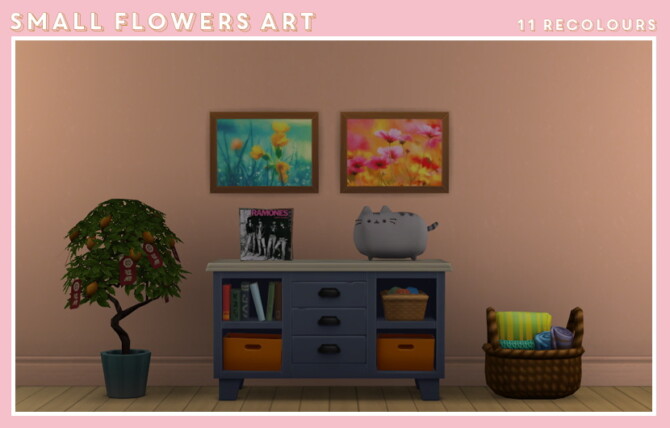
Objects, Decor: Small Flower Art & Sims Scenery Art – Midnightskysims.
🛠 How to Install
Follow these simple steps to install this Sims 4 custom content:
- Download the file using the button above.
- Extract the ZIP or RAR file if required.
- Open Documents > Electronic Arts > The Sims 4 > Mods.
- Move the package files into the Mods folder.
- Enable Custom Content and Script Mods in game settings.
- Restart The Sims 4.
Important:
Always back up your saves before installing new mods or CC.