Sims 4 CC

Search Engine of Gaming World

Search
Menu

Sims 4 CC

Search Engine of Gaming World

Search

Accessories

Subterms

  • Accessories - Glasses
  • Accessories - Headwear
  • Accessories - Jewelry
  • Accessories - Miscellaneous
  • Accessories - Stocking Leggings

Latest stories

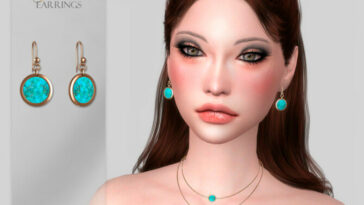
  • Gemstone Earrings by Suzue at TSR

    9.5k Views

    in Accessories - Jewelry

    Gemstone Earrings by Suzue at TSR

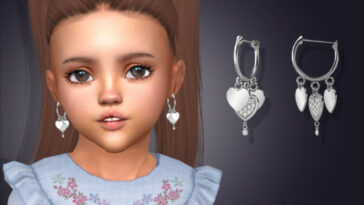
  • Triple Heart Huggie Earrings For Toddlers by feyona at TSR

    9.5k Views

    in Accessories - Jewelry

    Triple Heart Huggie Earrings For Toddlers by feyona at TSR

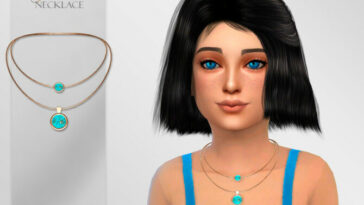
  • Gemstones Necklace Child by Suzue at TSR

    9.5k Views

    in Accessories - Jewelry

    Gemstones Necklace Child by Suzue at TSR

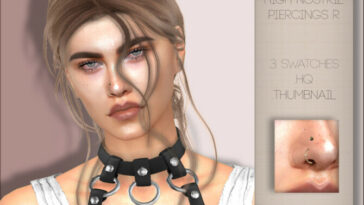
  • High Nostril Piercings R by PlayersWonderland at TSR

    6.5k Views

    in Accessories - Jewelry

    High Nostril Piercings R by PlayersWonderland at TSR

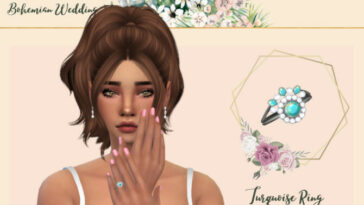
  • Bohemian Wedding Turquoise Ring by Glitterberryfly at TSR

    5k Views

    in Accessories - Jewelry

    Bohemian Wedding Turquoise Ring by Glitterberryfly at TSR

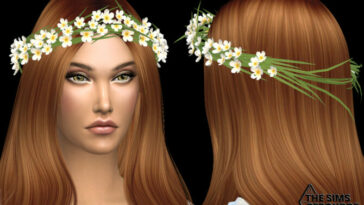
  • Bohemian wedding grass and flowers crown by NataliS at TSR

    9.5k Views

    in Accessories - Headwear

    Bohemian wedding grass and flowers crown by NataliS at TSR

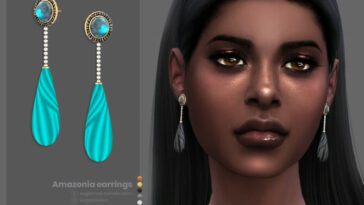
  • Amazonia earrings by sugar owl at TSR

    8.5k Views

    in Accessories - Jewelry

    Amazonia earrings by sugar owl at TSR

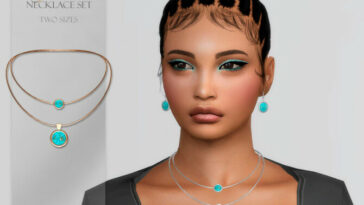
  • Gemstones Necklace Set by Suzue at TSR

    5k Views

    in Accessories - Jewelry

    Gemstones Necklace Set by Suzue at TSR

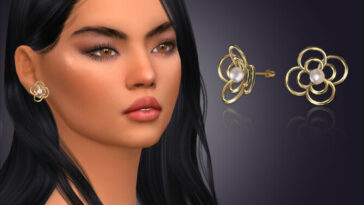
  • Annette Flower Pearl Earrings by feyona at TSR

    9k Views

    in Accessories - Jewelry

    Annette Flower Pearl Earrings by feyona at TSR

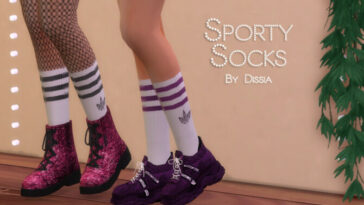
  • Sporty Socks by Dissia at TSR

    5.5k Views

    in Accessories

    Sporty Socks by Dissia at TSR

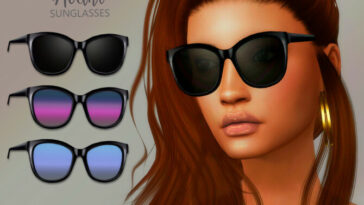
  • Avant Sunglasses by Suzue at TSR

    9.5k Views

    in Accessories

    Avant Sunglasses by Suzue at TSR

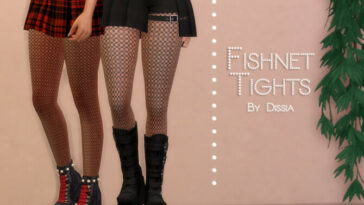
  • Fishnet Tights by Dissia at TSR

    5k Views

    in Accessories

    Fishnet Tights by Dissia at TSR

Pages

  • Previous
  • 56
  • 57
  • 58
  • 59
  • 60
  • 61
  • 62
  • Next

Categories

  • Accessories
    • Accessories – Glasses
    • Accessories – Headwear
    • Accessories – Jewelry
    • Accessories – Miscellaneous
    • Accessories – Stocking Leggings
  • Bathroom
  • Bedroom
  • Brows
  • Build
  • Build Mode
  • Cars
  • Cas Background
  • CC
  • Clothes
    • Clothes – Female
    • Clothes – Male
    • Clothes – Toddlers
  • Dining
  • Diverse
  • Eyebrows
  • Eyes
  • Facial Hair
  • Floors
  • Food
  • Furniture
  • GamePlay
  • Hair
    • Hair Mesh
  • Hairstyles
  • Hall
  • Hobbies
  • Houses
  • Houses and Lots
    • Community Lots
    • Residential Lots
  • KawaiiStacie
  • Kidsroom
  • Kitchen
  • Living Room
  • Makeup
    • Makeup – Blush
    • Makeup – Eyeliner
    • Makeup – Eyeshadow
    • Makeup – Facepaint
    • Makeup – Lips
    • Makeup – Mask
  • Models
    • Models – Female
    • Models – Male
  • Mods
  • Objects
    • Objects – Appliances
    • Objects – Décor
    • Objects – Electronics
    • Sims 4 Lighting
  • Outdoor
  • Pets
    • Pets – Accessories
    • Pets – Body
    • Pets – Clothes
    • Pets – Objects
  • Plants
  • Poses
  • Rooms
  • Shoes
    • Shoes – Female
    • Shoes – Male
  • Shoes – Female
  • Single Items
  • Single-Items
  • Skills Hobbies
  • Skin – Details
  • Skins
  • Tattoos
  • Tattos
  • Teeth
  • Terrain Paints
  • Toys
  • Traits
  • Uncategorized
  • Walls
  • Worlds

© 2026 - Sims 4 CC - This site is not endorsed by or affiliated with Electronic Arts, or its licensors. Trademarks are the property of their respective owners. Game content and materials copyright Electronic Arts Inc. and its licensors. All Rights Reserved. All content on this website is for informational and entertainment purposes only.

  • Contact Us
  • Privacy Policy
Back to Top
Close
  • Contact Us
  • Privacy Policy
  • Latest
  • Facebook
add_filter('the_content', 'sims4_install_guide_after_post'); function sims4_install_guide_after_post($content) { if (!is_single() || !in_the_loop() || !is_main_query()) { return $content; } $install_guide = '

🛠 How to Install

Follow these steps to install this Sims 4 mod:

  1. Download the mod file from the link above.
  2. Open Documents > Electronic Arts > The Sims 4 > Mods.
  3. Place the downloaded file inside the Mods folder.
  4. Enable Custom Content and Mods in Game Options.
  5. Restart the game.
Important: Always back up your save files before installing new mods.
'; return $content . $install_guide; }